
CONNECTED TECHNOLOGY. CLEARLY EXPLAINED.
Arduino Science Kit R3: a shared sensing station
Research Science Kit R3, Science Journal and a documented firmware/lesson handover for one supervised sensing activity that the next group can repeat.
Offering research · By Admin · Checked 20 October 2026. Official kit, app, course-access and firmware references; no physical kit, restored station or classroom outcome tested.
This route fits a supervised sensor-observation activity where the lab wants to reduce initial assembly and coding. Evaluate the exact kit, mobile device, app, lesson access and next-session handover together. A ready-to-use product description does not establish that the institution’s devices or shared operating process work.
Keep the kit, app and reusable starting state together
The exact R3 configuration
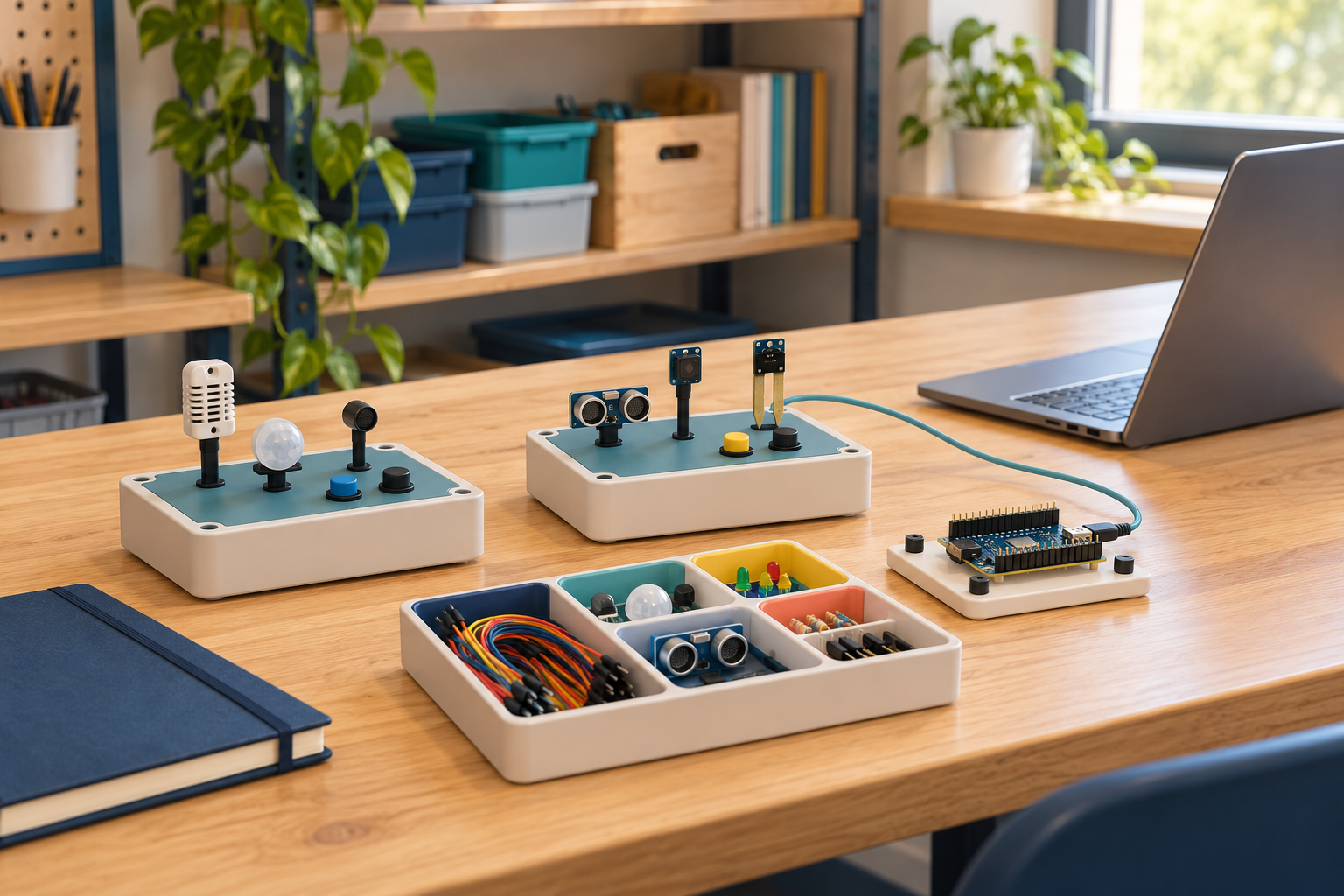
Arduino identifies Science Kit R3 as a Nano RP2040 Connect with Science Carrier R3 and embedded sensors. Its education page positions the initial activities as not requiring coding. Keep this distinct from the older Science Kit Physics Lab, Rev2 and individually purchased replacement boards.
Check the mobile-app route
The kit overview uses the Science Journal app over Bluetooth, with Android/iOS support described by the manufacturer. Confirm the actual mobile-device/OS/app version, institutional permissions and required observation path. A platform name alone does not prove an accessible working station.
A repeatable lesson and handover
Choose one learning objective, suitable reference observation and supervised procedure. Record firmware, library/tool versions, app, lesson revision, kit inventory and reset steps. The next group should be able to identify a changed station rather than starting with an unexplained demonstration.
Prepare and restore one supervised observation activity
1 · Define the activity and participants’ needs
Choose one low-voltage ambient-sensing activity and the explanation the learner should demonstrate. Agree supervision, prerequisites, accessible instructions, alternative participation and an appropriate reference. Avoid equating kit completion with an educational outcome.
2 · Verify supplied and additional items
Record the actual R3 kit contents, revision, mobile devices and approved supplied accessories/power arrangements. Confirm any additional materials for the selected lesson with the responsible educator. This route does not reproduce wiring, heating or other experiment procedures.
3 · Confirm app and lesson access
Use the current official Science Journal connection guidance with the actual station. The Arduino course index links a dedicated R3 course and notes that account sign-in may be needed; the course link currently reaches sign-in. Confirm access and terms before a class rather than promising unrestricted or offline content.
4 · Record the correct restore route
Arduino’s August 2026 firmware guide distinguishes board/carrier configurations: Nano RP2040 Connect with Science Carrier R3 uses the Arduino_ScienceKitCarrier library’s ScienceJournal example. Preserve the exact compatible source/tool versions and a supervisor-owned restore procedure. Instructions for a bare board or older carrier are not interchangeable.
5 · Check the observation and reset
Demonstrate connection to the intended external board, variable, units, time and a controlled missing/stale observation. The connection guide warns that internal mobile-device sensors can be confused with the board’s sensor categories. Verify the selected source, then demonstrate authorised reset/restore and physical readiness for the next group.
6 · Maintain the shared resource
Track kit inventory, missing/damaged parts, firmware/library/app/OS changes, lesson revisions, account access and actual support effort. Recheck the reference activity after changes. Keep a usable alternative when a kit, mobile device or network-dependent lesson is unavailable.
A restored sketch needs a station check
A documented firmware-upload route is useful evidence for maintenance, but IoTPapa has not restored or tested this kit. The responsible supervisor verifies the actual app connection, chosen sensor, reference activity and physical readiness after a change. A successful upload alone does not validate the measurement.
Agree the account and data boundaries
Decide device ownership, app permissions, lesson/account access, saved experiment records, sharing/export and retention before shared use. Prefer non-identifying task evidence and avoid collecting learner identities in the initial enquiry. The existing Arduino company profile links its current privacy-policy context; this is not a local institutional approval.
Confirm the current lesson scope
The manufacturer maintains R3 learning content and a distinct course-access route. Verify the actual lesson revision, language, prerequisites, materials and permissions needed for the selected activity. Do not transfer older kit activation instructions or claim a certificate, curriculum approval or measured learning benefit.
Ask for the complete regional scope
Request the exact kit/revision, supply, warranty, replacements, educator support, app/device requirements and ongoing costs from the responsible seller. No current India stock, local quotation or support contract has been verified. An education marketing page does not establish the delivered operating arrangement.
Use the pilot and a written proposal
Shared sensor-lab pilot provides the operating question and evidence record. Prepare a private requirements enquiry for Admin review. An unlisted provider may be named in the non-confidential brief; no provider is contacted automatically.
Sources and independence
The official R3 overview establishes the kit/app distinction; the current firmware and connection guides support configuration-specific restore and observation checks. The course index supports the access questions. Evaluation and handover questions are original editorial guidance. The existing Arduino company/brand identities and linked models are retained. No actual kit, independent sensor reference check, firmware restoration, learner trial, educational benefit or IoTPapa partnership is reported.
Arduino Science Kit R3 overview
Science Journal firmware by exact board and carrier
Connect a board to Science Journal
Connect the kit with a maintained learning workflow
USE CASE
Shared sensor-lab pilot
Define the observation, versions, supervised activity and next-session handover.
PROVIDER
Arduino provider context
Explore Arduino’s existing company, brand and model relationships.
PRIVATE ENQUIRY
Prepare a private enquiry
Describe the learning objective, mobile devices and maintenance gap without learner records.