
CONNECTED TECHNOLOGY. CLEARLY EXPLAINED.
Learn IoT
Choose a learning path, understand the fundamentals and put your first connected-system idea into practice.
Learn by doing one useful thing
Plan a connected home, build a small sensor system or evaluate a business pilot. Choose a path below for guided reading and a practical task, then use the worksheets to keep track of what you learn.
Know the parts: a sensor observes, an actuator changes something, a gateway joins networks and a controller applies rules. Telemetry is the information a device reports. Edge processing happens near the device; cloud services run remotely. Interoperability depends on the specific functions two systems support together.

BEGINNER LEARNING PATH
Connected home foundations
Build a one-page plan for one useful home routine through six readings and practical checks: need, network, control roles, behaviour, privacy and recovery.
BUILDER FOUNDATIONS LEARNING PATH
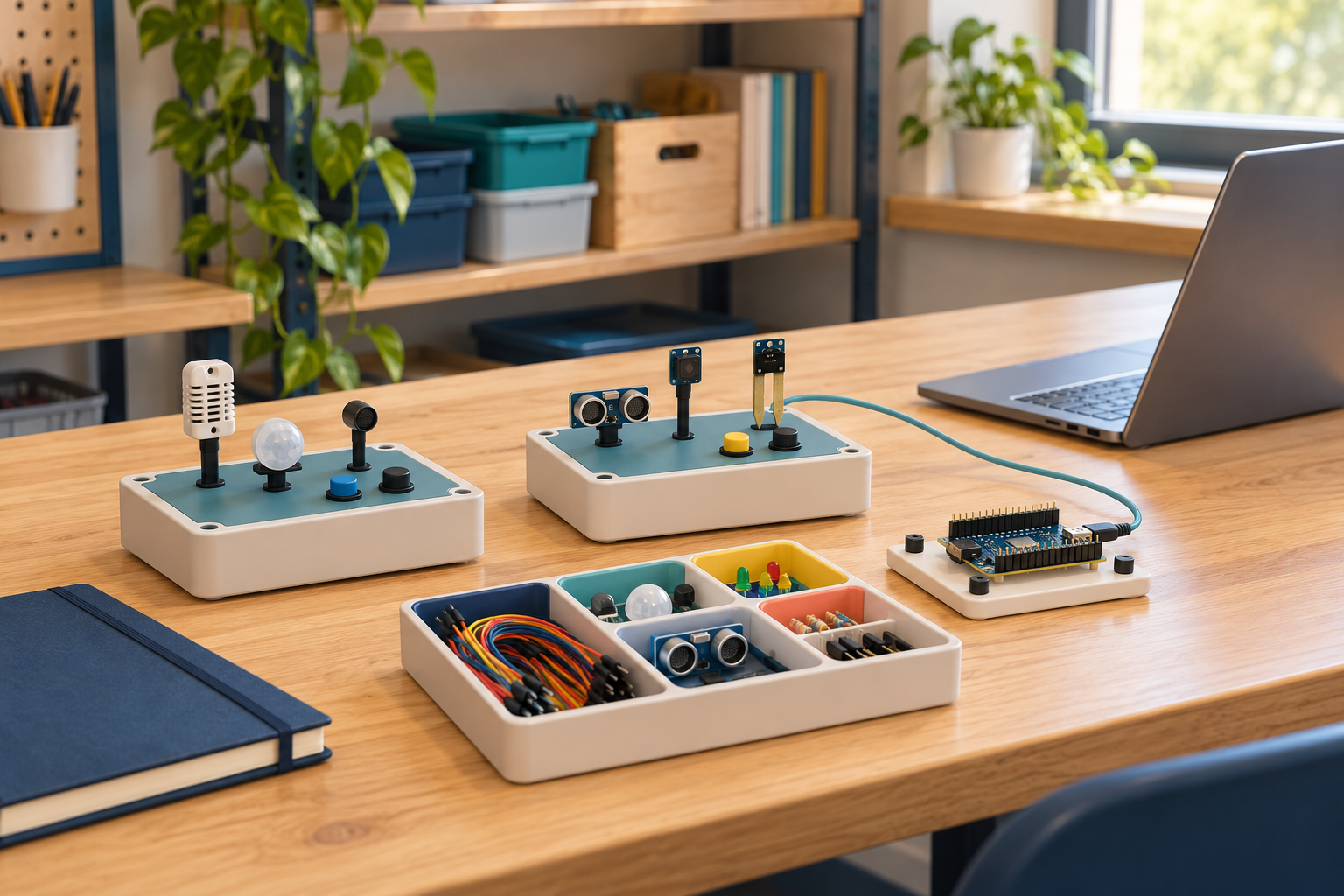
Build your first observable sensor system
Follow six readings to prepare a sensor-system build record: hardware limits, firmware versions, messages, logs, failure tests and maintenance.
BUSINESS AND INDUSTRIAL LEARNING PATH
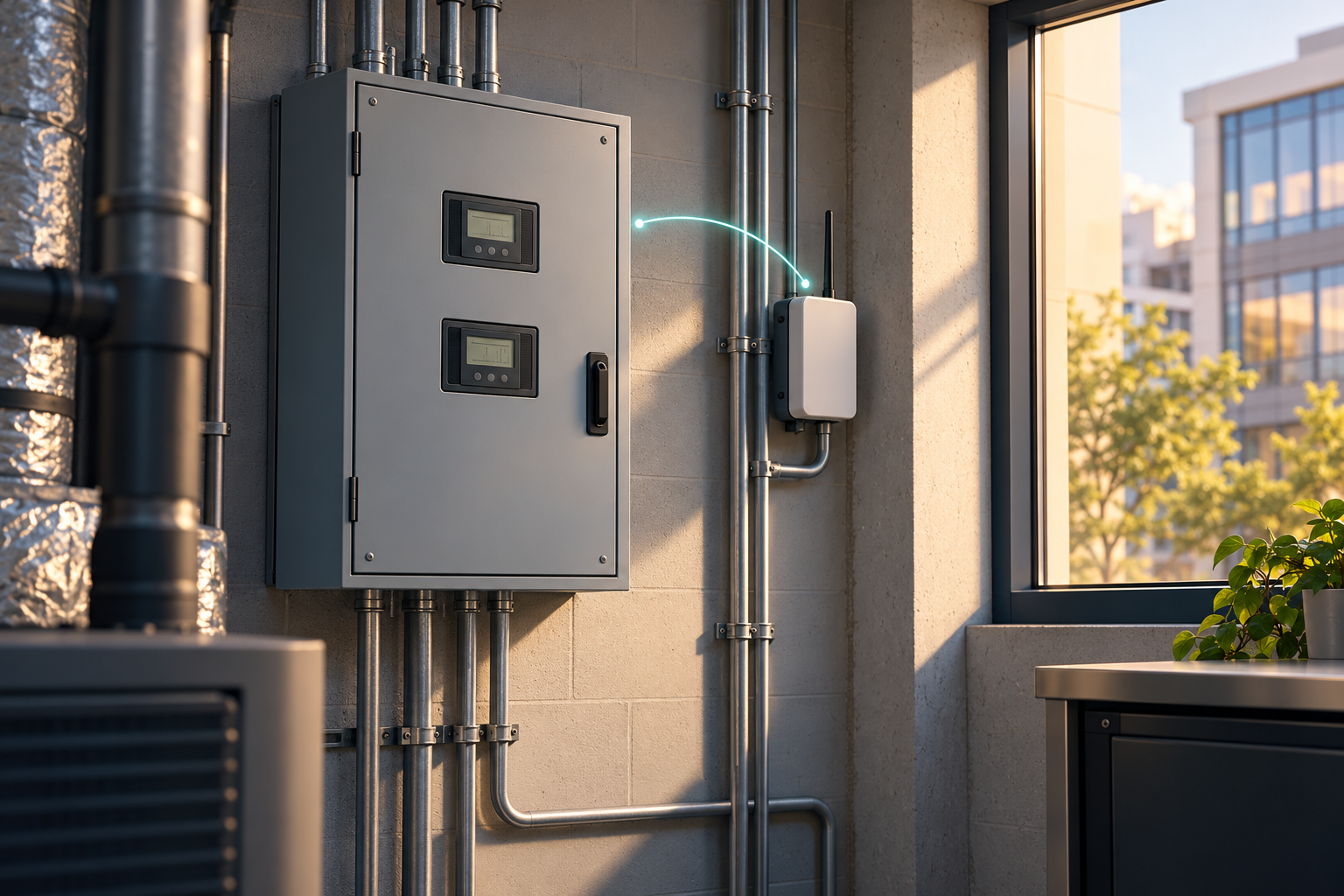
Evaluate an industrial IoT pilot
Prepare a decision brief through six steps: problem and baseline, architecture, operational approval, measurement, ownership and a fair go/no-go review.

READING PATH
Begin with the foundations
READING PATH
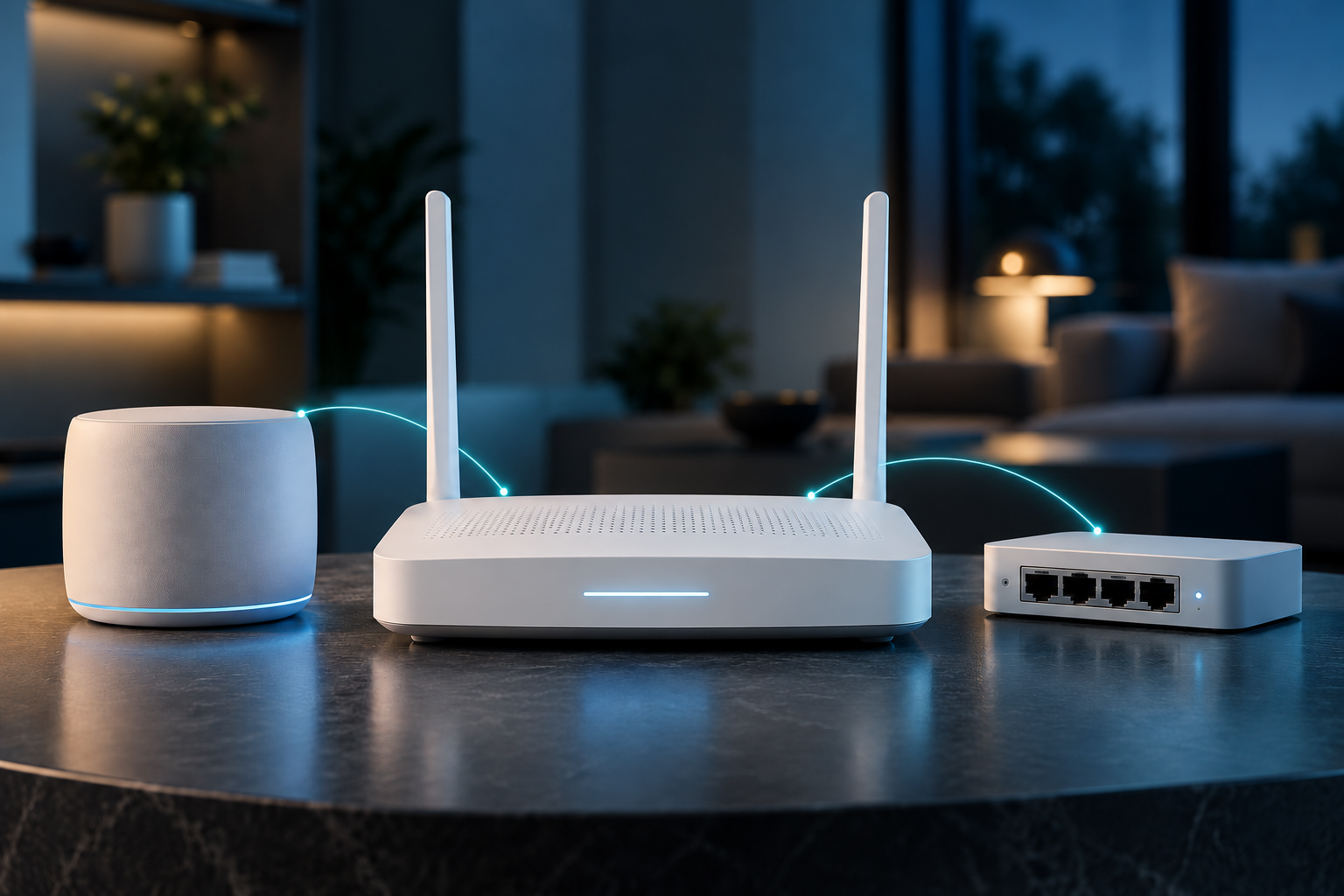
Understand networks, intelligence and reliability
READING PATH
Make a small project reproducible
Choose one measurement and a local output. Keep the wiring, power requirements, tool versions and sample data with the project. A working demonstration is progress; a recoverable and understandable setup is a stronger learning outcome.
TESTED OFFLINE PROJECT
Run the synthetic telemetry project
Download original code and a 16-record fixture. Review 29 passing software tests, rejected inputs, stale data and traceable demo alerts.
OFFICIAL LEARNING RESOURCE
Arduino Learn: a practical starting route
Use Arduino’s official introduction and topic library to understand boards, sketches and connected-device building blocks. A self-paced documentation route, with an original IoTPapa learning task.
OFFICIAL LEARNING RESOURCE
Physical Computing with Python: Raspberry Pi learning route
Explore the Raspberry Pi Foundation’s step-by-step GPIO project. Check the exact hardware and software first, then keep expected actions, actual observations and limitations in a learning record.
FREE DOWNLOAD
Home network and device inventory
Keep a manual record of exact devices, versions, network roles, service dependencies and open questions in an editable two-sheet workbook.
FREE DOWNLOAD
Compatibility evidence worksheet
Record the exact function, device roles, market, versions, source, dates and uncertainty. Keep proposed tests and observed results in a separate linked test record.
FREE DOWNLOAD
Sensor validation and calibration log
Keep raw observations, reference evidence and maintenance decisions separate. Record quantity, unit, UTC time, conditions, missing data and drift concerns without implying a calibration certificate.
FREE DOWNLOAD
Connected-device purchase checklist
Download a two-page fillable worksheet for one exact device and system. Record compatibility evidence, service dependencies, support, privacy, continuing cost and exit questions.
FREE DOWNLOAD
IoT total-cost worksheet
Model hardware, setup, recurring services, operations and exit costs over your chosen horizon. Compare Low, Base and High assumptions without treating a missing input as zero.
FREE DOWNLOAD
Industrial pilot requirements brief
Download a three-page fillable brief covering the pilot decision, baseline, responsibilities, data, acceptance evidence, provider scope, operating cost and exit.
PRACTICAL GUIDE
Plan an Apple Home ecosystem that fits your household
Map the home hub, controller, network and accessory roles. Verify exact model, firmware, supported function, household access and market before buying.
PRACTICAL GUIDE
Satellite messaging, broadband, positioning and Earth observation
Four different jobs often get grouped under “satellite”. Separate the device uplink, a network backhaul, position/time input and remotely observed data.
PRACTICAL GUIDE
When does hybrid cellular and satellite IoT make sense?
Use a second path when it supports a specific operating need. Design message identity, path selection, outage behavior and recovery before calling a system resilient.
READING PATH
Explore beyond the basics
- IoT in space: communication when the link is interrupted
- IoT and blockchain: when a shared record is useful
- Internet of Senses: practical interfaces and speculative claims
The topics and protocols directory is a coverage map. A label in that map is not a completed technical guide or a compatibility certification.