
CONNECTED TECHNOLOGY. CLEARLY EXPLAINED.
Smart Home Devices
Plan lighting, climate, appliances and home automation around manual controls, household access and the complete setup.
A smart home should make an ordinary task easier for everyone who lives there. Start with one room and a routine that already matters; then map the devices, controller and fallback needed to make it dependable.
Build around an everyday decision
Use the guide below to choose a starting point, understand the main device groups and prepare a small, recoverable evaluation.
Start with one useful routine
Choose a task people already understand: a hallway light, a room-temperature check or a leak alert. Write down who can operate it and what happens when the network fails.
Check the whole control chain
Identify the device, controller, radios, accounts and optional cloud service. A familiar protocol name alone does not establish that your exact models work together.
Keep everyday control simple
Check manual switches, guest access, permissions and recovery before adding more automations. Electrical or climate-control changes need appropriate installation advice.
Explore the device groups
Lighting and switches
Smart bulbs · Light strips · Wall switches · Dimmers · Lighting bridges · Outdoor lighting · Presence lighting.
Climate and air quality
Thermostats · AC controllers · Radiator valves · Air purifiers · Humidifiers · Dehumidifiers · CO2 monitors · Indoor air quality sensors.
Appliances and kitchens
Refrigerators · Ovens · Induction cooktops · Dishwashers · Washing machines · Dryers · Coffee makers · Kitchen scales · Water purifiers.
Cleaning and home robots
Robot vacuums · Robot mops · Window cleaning robots · Pool cleaning robots · Robot lawn mowers.
Hubs and home automation
Smart home hubs · Matter controllers · Thread border routers · Automation bridges · Scene controllers · Touch panels · Local automation servers.
Voice and digital assistants
Smart speakers · Smart displays · Voice remotes · Assistant integrations · Voice accessibility controls.
TV audio and entertainment
Smart TVs · Streaming devices · Multiroom speakers · Soundbars · Connected projectors · Universal remotes.
Power and household utilities
Smart plugs · Power strips · Circuit monitors · Water valves · Leak sensors · Motorized blinds · Garage controllers · Gate controllers.
Home connectivity
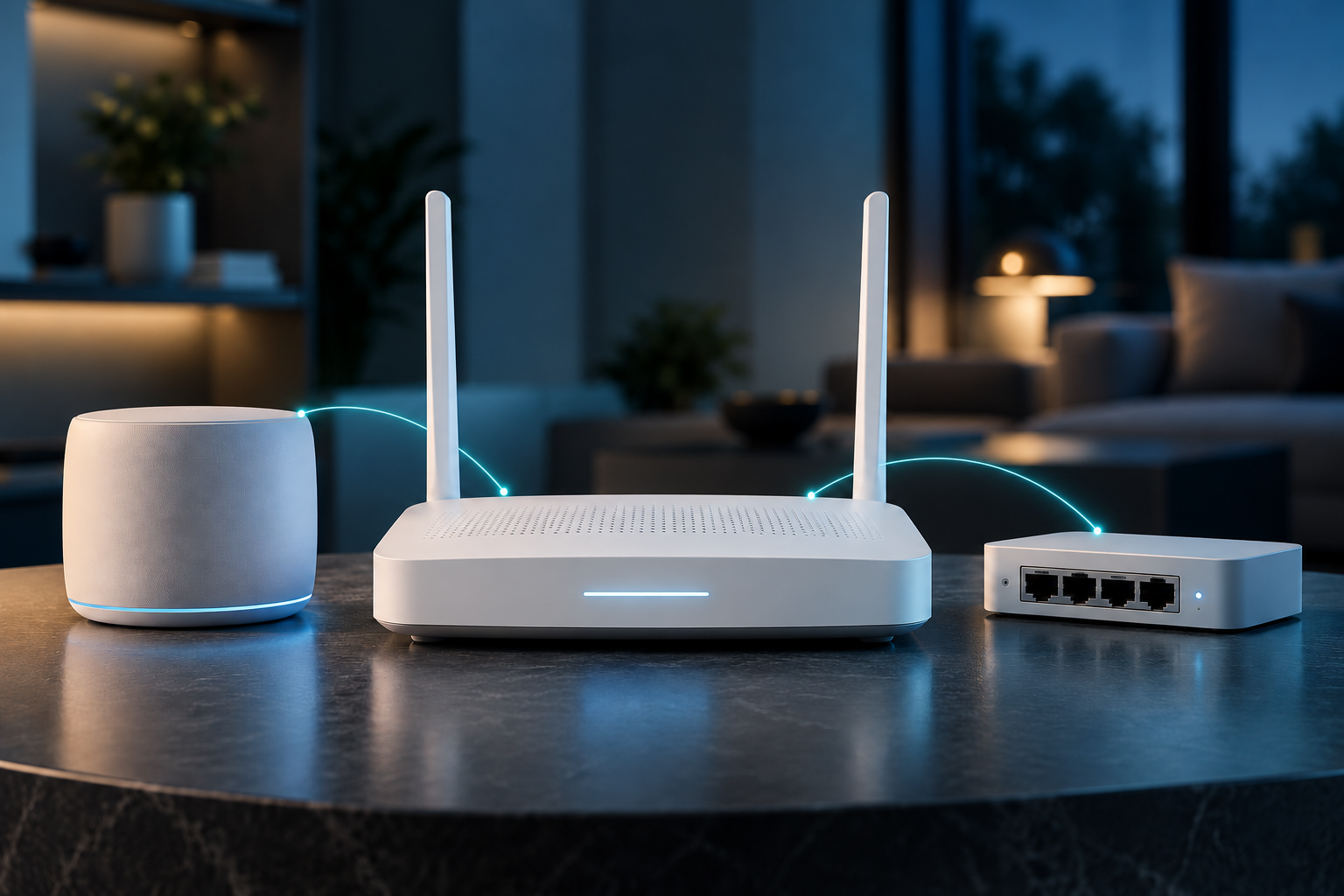
Mesh routers · Wi-Fi access points · Home gateways · Network switches · IoT network segmentation.
Accessibility and assisted living
Accessible switches · Voice access · Bed occupancy sensors · Caregiver alerts · Fall detection integrations · Accessible automation routines.
A practical example
For a hallway light, write down the trigger, permitted hours, timeout and manual override. Check daylight, an empty room and loss of internet separately. This is a proposed test plan, not an IoTPapa result.
Questions to resolve
- Can a guest use it without installing an app?
- Which command works without internet, and through which controller?
- Can devices, accounts and automations move to another household member?
Use the evidence
The category map describes technologies and product types. It does not establish that a particular model is available, tested or compatible. Check the exact model, region, documentation and support arrangements before buying.
Work through the connected-technology buying checklist
Protocol reference
Connectivity Standards Alliance: Matter FAQ. Check device and controller roles in the product documentation.
Evidence: Category guide. Reviewed 2026-10-16. By Admin.
Keep exploring

BEGINNER LEARNING PATH
Connected home foundations
Build a one-page plan for one useful home routine through six readings and practical checks: need, network, control roles, behaviour, privacy and recovery.
RELATED READING
Plan one reliable smart-home routine
Map the trigger, controller, action and manual override, then evaluate outages and shared access.
RELATED READING
Home Assistant Green or a DIY hub: how to decide
Compare how much setup, hardware choice and ongoing maintenance you want to own.
RELATED READING
Smart homes: sensors, routines and everyday trade-offs
Connect lighting, comfort, security and appliances to one clear household job.
RELATED READING
Budget connected devices: compare the complete cost
Include the controller, installation, accessories and recurring services in your budget.
MODEL GUIDE
Apple HomeView — tabletop model
An announcement profile for Apple’s shared home display. Check the exact model, household role, accessories and announced market dates before buying.
FREE DOWNLOAD
Home network and device inventory
Keep a manual record of exact devices, versions, network roles, service dependencies and open questions in an editable two-sheet workbook.
PRACTICAL GUIDE
Plan an Apple Home ecosystem that fits your household
Map the home hub, controller, network and accessory roles. Verify exact model, firmware, supported function, household access and market before buying.