
CONNECTED TECHNOLOGY. CLEARLY EXPLAINED.
Security & Safety
Plan cameras, access controls and alarms around detection, response, authorized access and dependable manual fallback.
A security device observes or controls something; a safety outcome also needs a response. Map the event, alert recipient, access rights and fallback before choosing equipment.
Choose the event and response
Cameras
Evaluate view, event recording, retention and who can retrieve footage.
Access
Document enrolling, revoking and recovering credentials, including guest access.
Alarms
Separate a notification from a monitored response service and verify the intended use.
Explore observation, access and accountable response
Cameras and video
Define the scene, event, recording method and people permitted to view or export footage. Compare day and night requirements, data retention, account access and recovery against the exact model and service.
Indoor cameras · Outdoor cameras · Doorbell cameras · NVR systems · PTZ cameras · Video analytics.
Open the cameras and video guide →
Access and identity
Document how authorised people, visitors and administrators are enrolled, changed and removed. Review local entry and recovery with the responsible installer, building operator and applicable requirements; an app command alone does not establish successful access or safe egress.
Smart locks · Access controllers · Intercoms · Biometric terminals · Credential readers · Visitor management.
Intrusion and alarms
Describe what is detected, who receives an alert and which response has actually been arranged. Distinguish a self-monitored notification from a contracted monitoring service, and review missed alerts, false alerts and loss of connectivity.
Door sensors · Motion sensors · Glass break sensors · Alarm hubs · Sirens · Perimeter monitoring.
Fire and environmental safety
Identify the intended hazard and the qualified person responsible for selecting, installing and maintaining the approved system. Keep supplementary connected notifications distinct from the required alarm and response process. Do not infer life-safety suitability from a general smart-home product description.
Smoke alarms · CO alarms · Gas detectors · Leak detectors · Fire system telemetry · Emergency lighting.
Workplace and personal safety
Begin with the relevant work or personal-safety procedure and response owner. Review coverage, alert acknowledgement, charging and maintenance in the actual setting. A connected wearable or panic button is one part of a response arrangement, not proof that an emergency will be detected or resolved.
Lone worker devices · Panic buttons · Worker wearables · Hazard monitoring · Proximity warning systems · Emergency response systems.
A practical example
For a proposed door-entry evaluation, test authorized entry, expired guest access, battery warnings and the documented recovery method. Plan with the responsible installer and building rules rather than treating an app demonstration as proof of safe operation.
Questions to resolve
- Who responds when an alert arrives?
- What happens during power, network or account failure?
- How are access and recordings removed when a person leaves?
Use the evidence
The category map describes technologies and product types. It does not establish that a particular model is available, tested or compatible. Check the exact model, region, documentation and support arrangements before buying.
Work through the connected-technology buying checklist
Privacy and compatibility sources
US FTC: securing home security cameras supplies account, remote-viewing and privacy context. ONVIF: conformant-products register is a primary place to check registered model and profile conformance for relevant systems. These references do not establish Indian installation approval, a monitored-response contract, life-safety certification or compatibility for every advertised feature.
Evidence: Category guide. Reviewed 2026-10-18. By Admin.
Cameras, doorbells and device security
RELATED READING
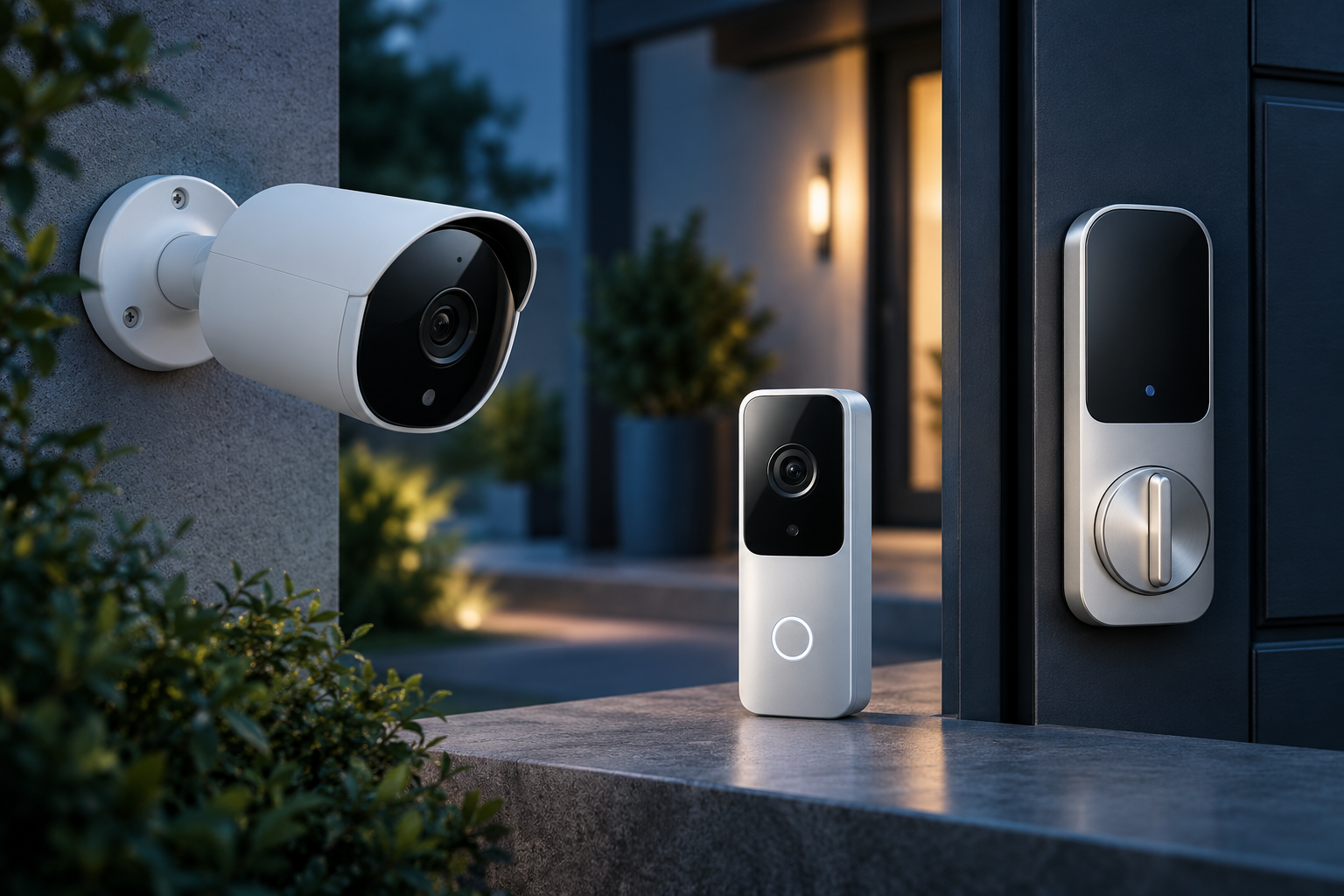
Home security IoT: cameras, locks and alert response
Map cameras, access rights and alerts to an accountable response.
RELATED READING
Smart doorbells: installation, storage and privacy
Check doorbell installation, storage choices and viewing permissions.
RELATED READING
Secure connected devices in India: a practical checklist
Review accounts, updates and recovery for connected devices.